 Pattern Lab
 Mixer + amp lab
Body beatmovement source - pat clap stomp snap
Loading…
Loading…
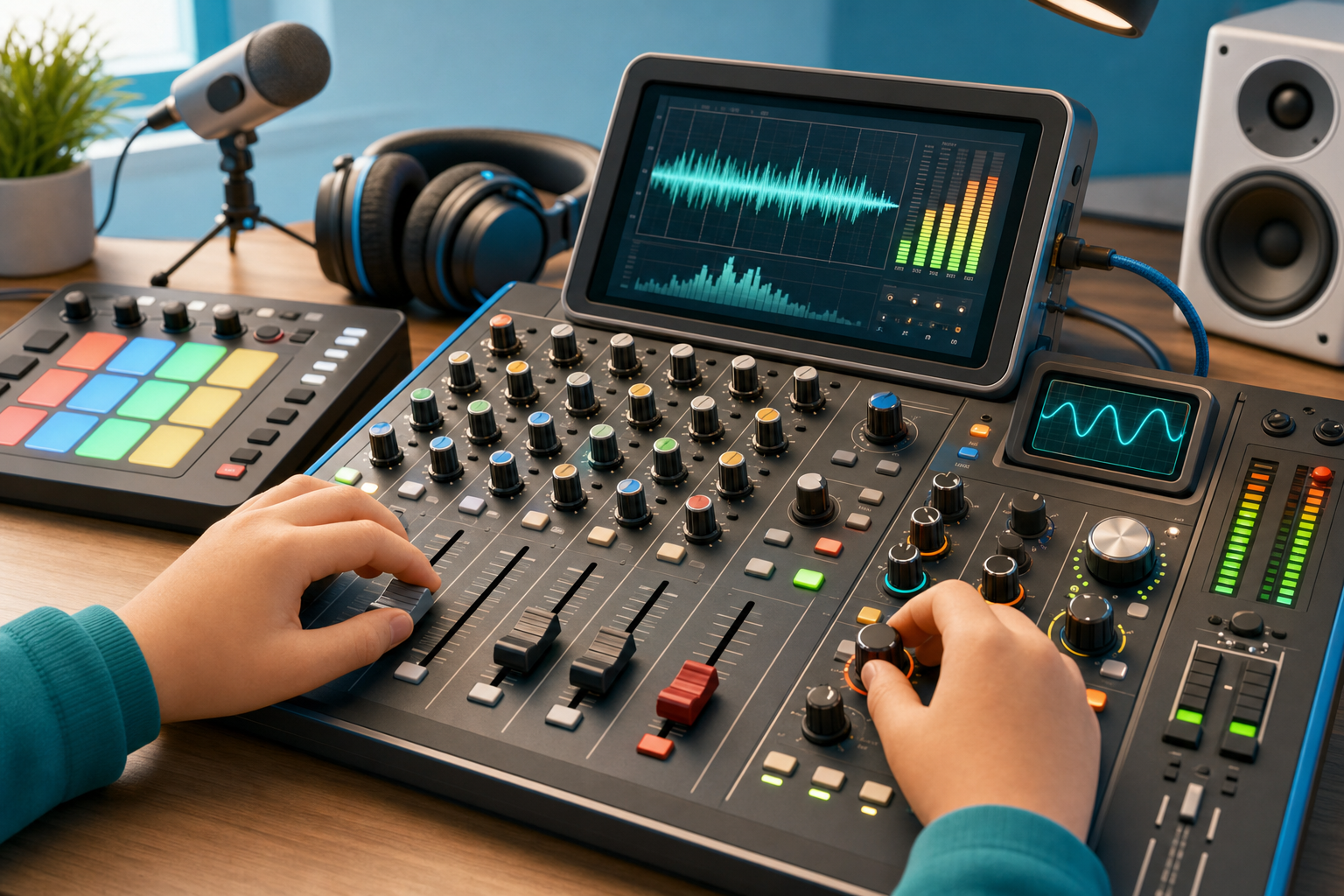
Use faders, pan, filter, drive, delay, compressor, master level, and oscilloscope feedback as one studio signal path.
Each channel is generated in Web Audio, then routed through real gain, filter, drive, pan, fader, delay, compressor, and master output nodes.
Select one mixer channel, adjust low, mid, and high EQ, then set compression so the loud moments sit in the mix without chasing volume.
Opens and closes the mallet melody filter so learners hear bright versus covered tone over time.
Hear how vibration becomes pitch, noise, and timbre before any mixer is involved.
Understand why quiet microphone signals need clean gain before mixing.
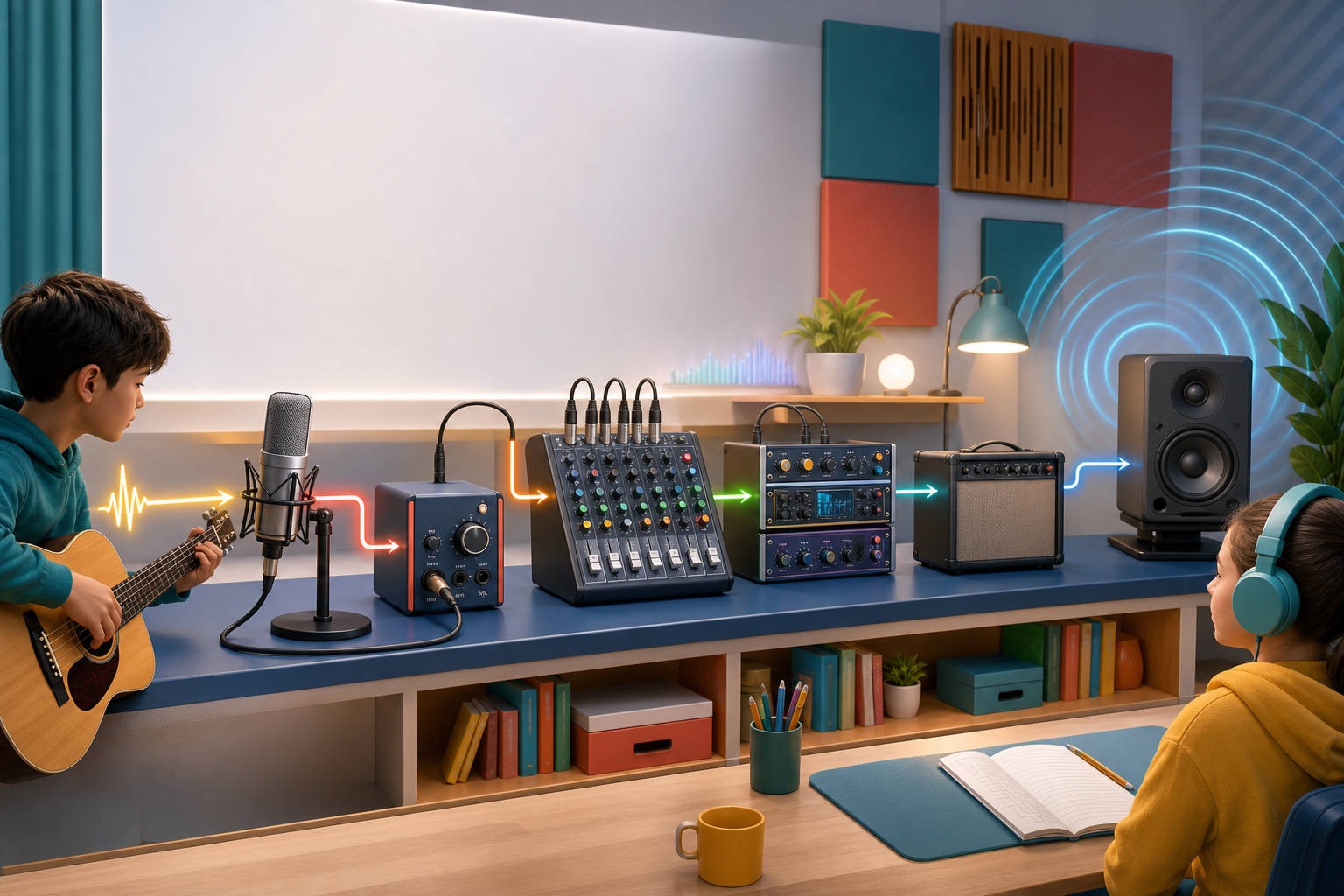
Trace a sound from input hardware through preamp, EQ, compressor, interface, aux send, monitors, and headphones.
Route one sound through filter, drive, pan, fader, and mute or solo decisions.
Use delay, compression, saturation, and filtering to shape the same musical idea responsibly.
Connect the final electrical signal to moving speakers, room reflections, and hearing safety.
Separate performance data from audio signal, then automate one musical parameter over time.
Build an original sound by choosing a source, routing modules, and explaining how each stage changes the signal.
Shape a source through preamp gain, tone stack, cabinet filtering, room reflections, limiting, and safe master level.
GainNode, StereoPannerNode, BiquadFilterNode, WaveShaperNode, DelayNode, DynamicsCompressorNode
Open MixerBiquadFilterNode lowshelf, BiquadFilterNode peaking, BiquadFilterNode highshelf, DynamicsCompressorNode, StereoPannerNode, GainNode
Open Channel StripAnalyserNode with canvas waveform drawing
Open OscilloscopeAudioParam.setValueCurveAtTime on GainNode, BiquadFilterNode, StereoPannerNode, or DelayNode send gain
Open Automation LaneGainNode into WaveShaperNode plus master output gain
Open Amplifierexplicit Web Audio node graph and signal-chain labels
Open Patch BayGainNode fault stage, WaveShaperNode clipping, OscillatorNode rumble, BiquadFilterNode, DynamicsCompressorNode, DelayNode, StereoPannerNode, and AnalyserNode
Open Signal Flow RackWeb Audio source and processing graph ending in a safe master destination
Open Audio InterfaceOscillatorNode feedback tone, BiquadFilterNode notch, GainNode monitor stage, and DynamicsCompressorNode limiter
Open Feedback TrainerOscillatorNode, BiquadFilterNode, GainNode envelope, and LFO-routed AudioParam modulation
Open SynthesizerAudioBufferSourceNode feeding the patch-bay filter, envelope, delay, and drive chain
Open SamplerWaveShaperNode, BiquadFilterNode tone stack, ConvolverNode room impulse, DynamicsCompressorNode limiter
Open Cabinet + RoomChange one parameter at a time so the ear learns causality.
Teach microphones, cables, preamps, and speakers as a physical system before DAW shortcuts.
Pair waveform feedback with listening so production is not invisible magic.
Automation turns a control move into a repeatable musical performance over time.
A channel strip works best when learners first shape frequency balance, then control dynamic peaks without mistaking compression for loudness.
Borrow general ideas such as brightness or space without copying recordings, melodies, or arrangements.
Learners understand modern plugins faster when they first trace source, route, modulation, and output as a signal graph.
Amplifier lessons should separate tone color from unsafe volume chasing.
A learner should trace where the signal is going before changing knobs, because hardware mistakes are usually routing mistakes first.
Real studio learning improves when learners hear a broken hardware state, identify the stage, and only then apply the fix.
Feedback is usually an acoustic routing problem before it is an EQ problem; kids should move the microphone and speaker path before cutting frequencies.

