 Tools
Tools Start guided path
 Age-adapted choices
Simple prompts guide you to the next best step.
Loading…
Loading…
Rhythm, listening, memory, and music-led learning modules.

Simple prompts guide you to the next best step.
Simple prompts guide you to the next best step.
Simple prompts guide you to the next best step.
Ages 2–18 cover rhythm, melody, listening, theory, composition, culture, production, and portfolio growth.
Music now connects to reading, math, science, language, flashcards, games, health, art, coding, and parent progress.
Lesson sounds, touch responses, instrument demos, haptic pulses, achievements, targets, and feedback sounds are ready.
11 sound families and 134 generated sound targets shape instrument-specific lessons.
Age-aware music lessons for rhythm, instruments, theory, listening, composition, and portfolio growth across Koydo.
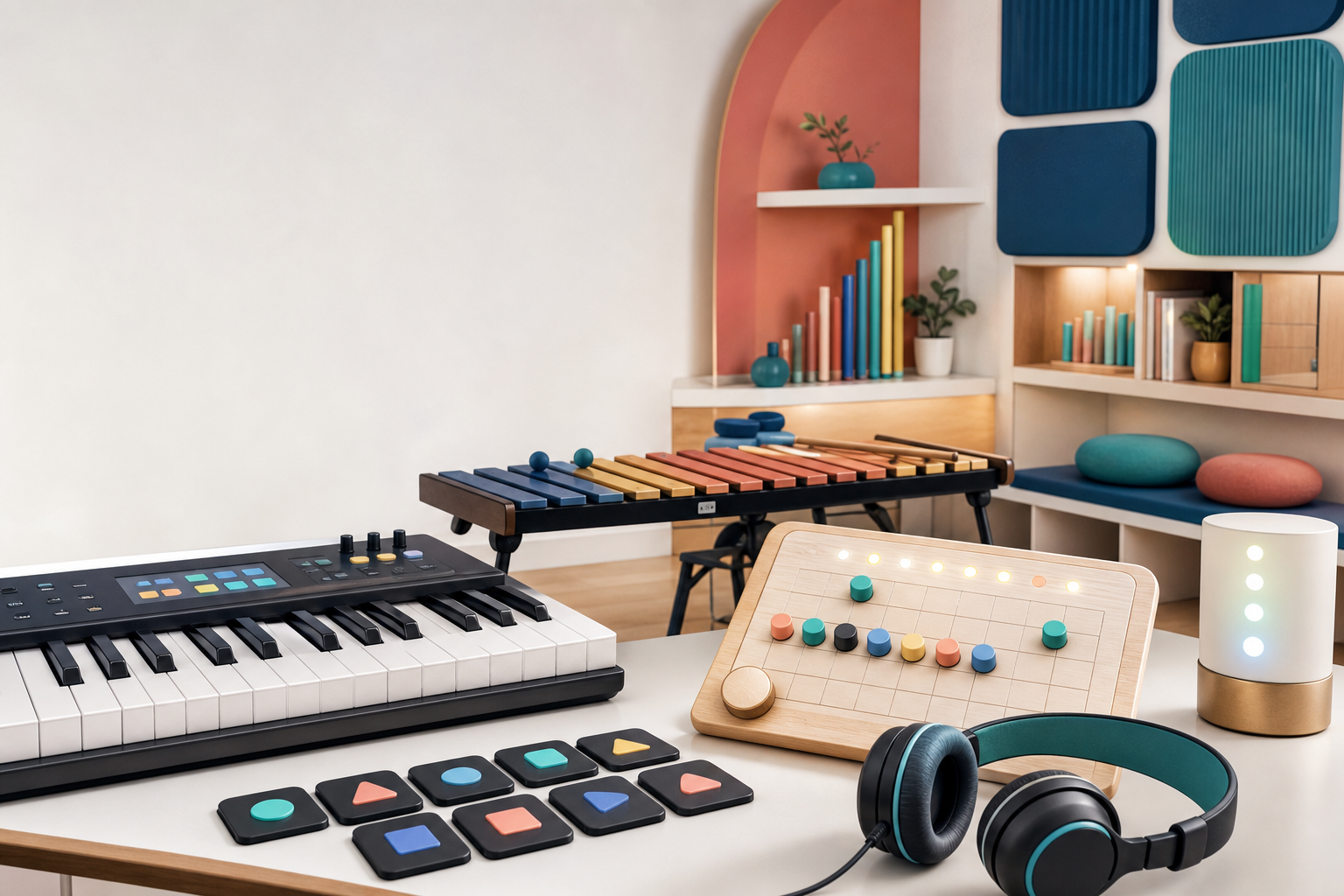
Every music lesson connects back to rhythm, theory, instruments, cross-subject transfer, and portfolio growth.
The course connects common music-learning building blocks with Koydo-built labs for instruments, theory, composition, hardware, production, cross-subject transfer, and portfolio evidence.
Coverage checks bind each station to a teaching method, sound or control proof, cross-subject bridge, and saved evidence target.
Body-first rhythm must start with movement, emit real body-percussion cues, and save evidence without requiring a camera.
Pattern grids must play distinct instrument cues, connect arrays to rhythm, and export/save learner proof.
Instrument learning must cover the catalog by sound source, not just pictures or family names.
Theory must be heard and manipulated through visible relationships before it becomes terminology.
Composition must let learners create, compare versions, preserve motifs, and explain form choices.
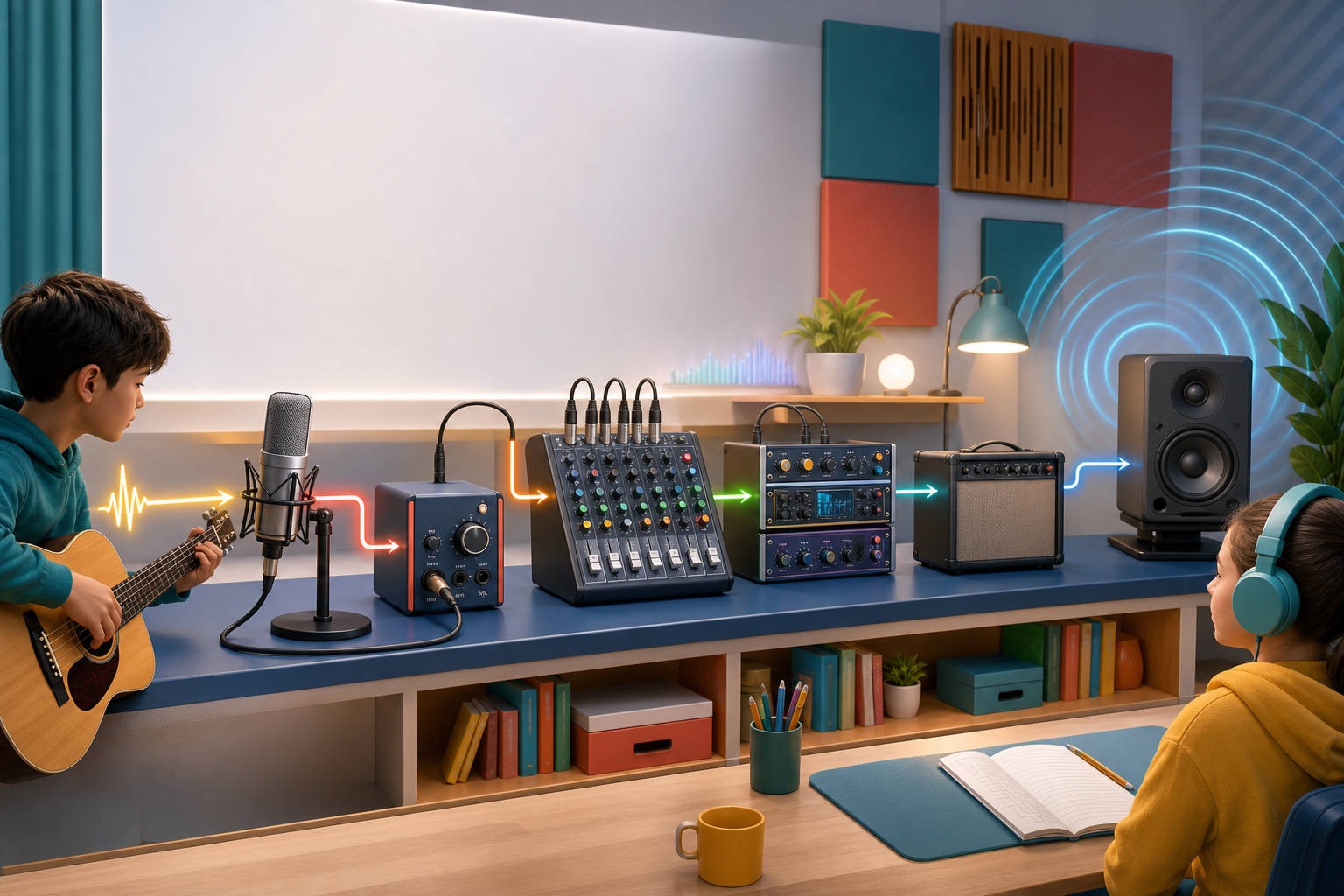
Signal-flow learning must trace source-to-ear hardware and produce audible before/after processing proof.
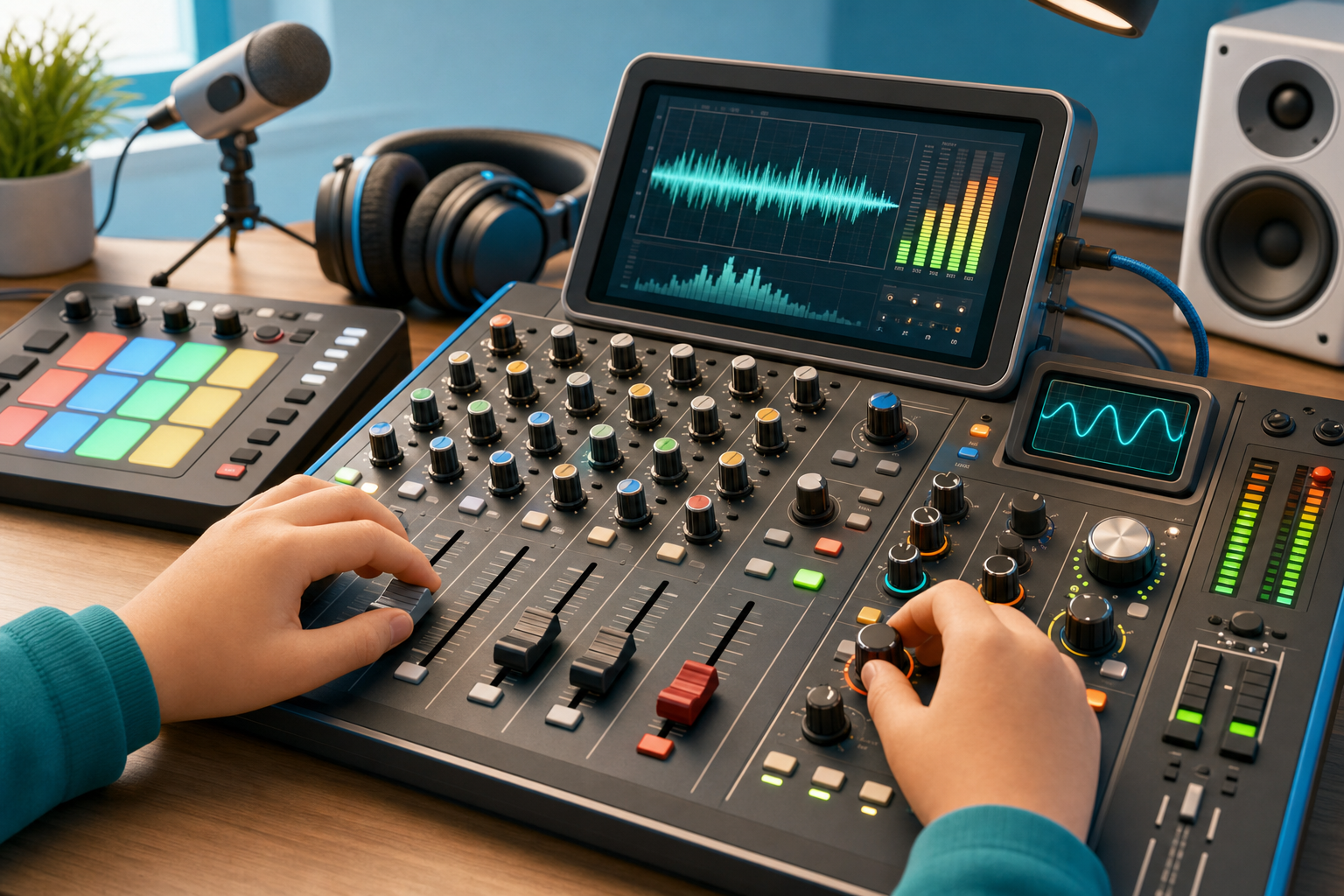
Mixer, patch, and amp controls must function as audible controls, not decorative UI.
The course must end with private teach-back evidence instead of completion-only badges.
Feel steady beat, rests, tempo, meter, and groove with body-first tasks before symbolic rhythm names.
Map piano, xylophone, and body percussion patterns to labeled beats and real instrument sounds.
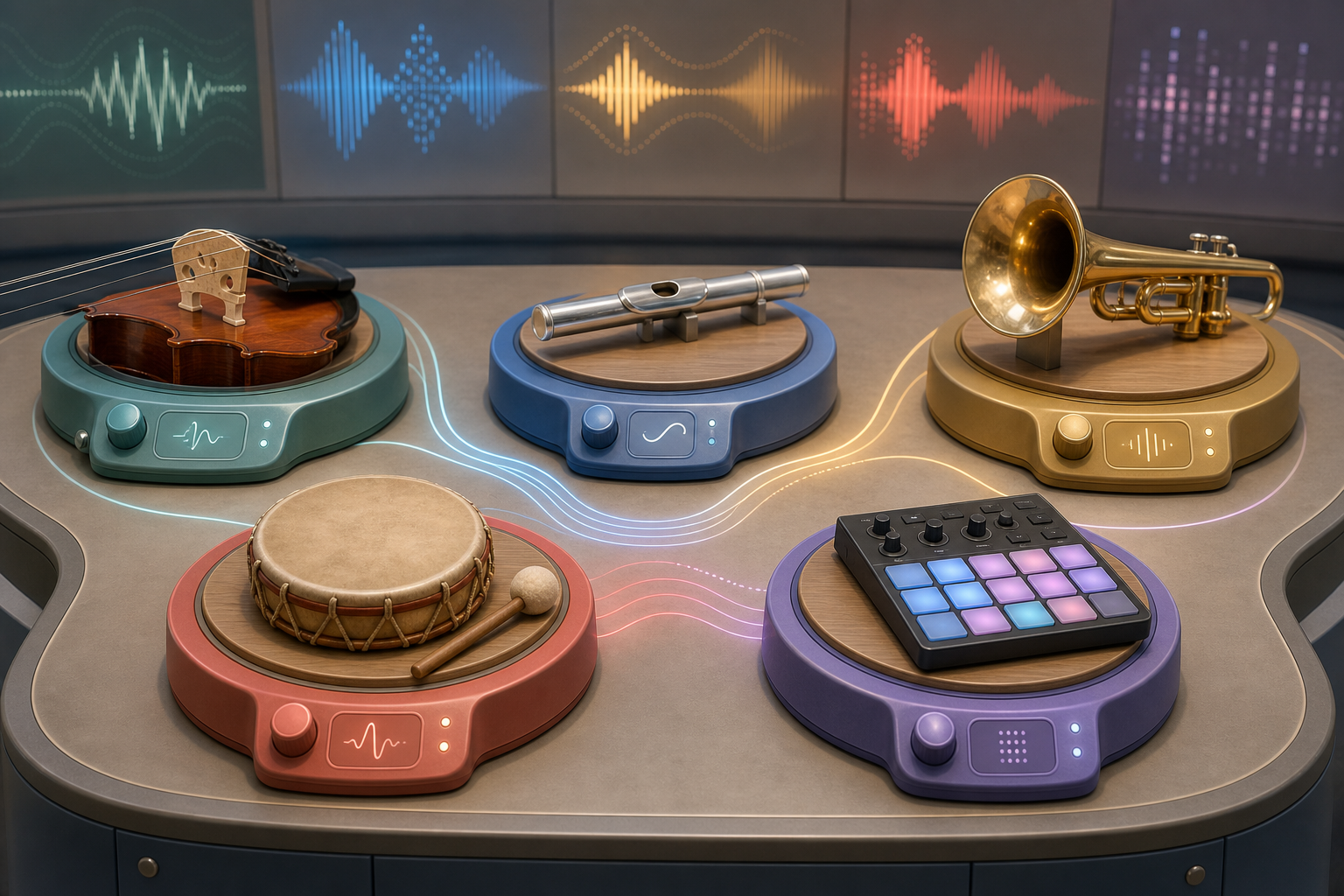
Hear strings, winds, brass, percussion, keyboard, voice, and electronic instruments as families with roles.
Use circle-of-fifths, Tonnetz-style neighborhoods, interval matrices, keyboard scale maps, and chord cards to hear key, scale, and harmony relationships.
Build short sections with rhythm, bass, harmony, melody, texture, and structure while comparing versions.
Trace source, cable, preamp, EQ, compressor, interface, aux send, monitor controller, speaker, room, and ear.
Use professional control surfaces to shape mix balance, routing, synthesis, cabinet color, room, and safe output.
Package a performance, composition, mix, or theory artifact with reflection, next goal, and family-safe evidence.
A complete course should cycle through musician actions, not just facts or isolated drills.
Every module labels which process it exercises and asks for a portfolio-visible artifact.Browser music learning works when learners can immediately manipulate musical building blocks.
Koydo routes combine pattern grids, theory orbit, remix, and production labs instead of static lessons.Interval drills become more musical when learners can compare the same distance in isolation and inside a key, chord, and scale-degree function.
The Interval Matrix route pairs an interval trainer with a Tonnetz-style graph and contextual Web Audio playback.Most kids learn songs without learning how sound moves through microphones, cables, mixers, speakers, and rooms.
Production modules make hardware and signal flow part of music literacy, not a separate engineer-only topic.Music transfer becomes real when the lesson produces evidence in math, science, language, movement, or reflection.
Every module names cross-subject hooks and a concrete evidence artifact.Each mission joins one proven music-learning method with a Koydo-built interaction, a professional studio bridge, and a cross-subject proof target.
Hear a four-beat loop and tap only the steady pulse.
Choose clap, stomp, snap, and rest cells to make a body pattern.
Name which movement carried the beat and which movement made the rhythm.
Read simple rhythms, try instruments, and build short songs.
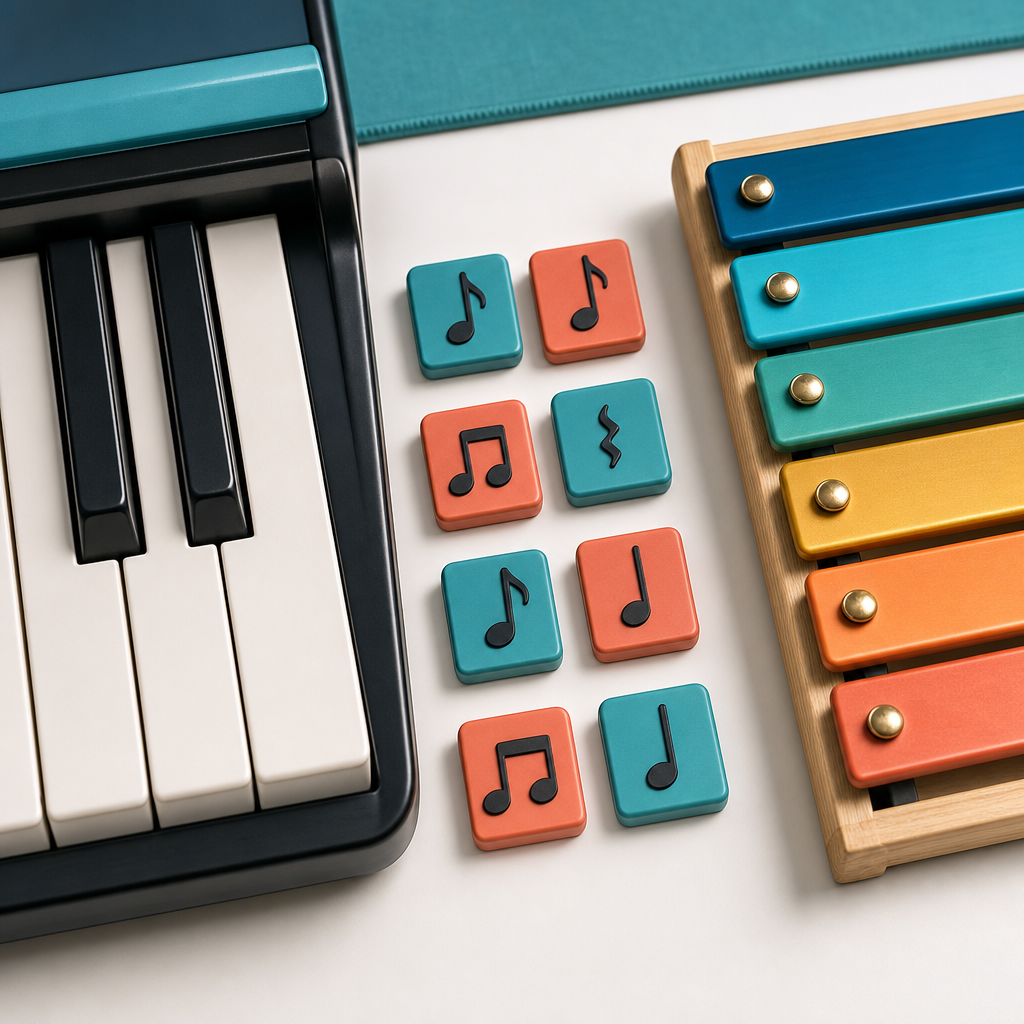
Hear the keyboard shape, then use the teal keys below to place the piano pulse.
Hear the mallet answer, then use the coral keys below to add xylophone replies.
Each square is a beat. The top label is the beat number; the bottom label is the note target. Teal keys are piano, coral keys are xylophone.
Start here: tap an instrument, then tap note beats below. Each active square plays its labeled note.
Each channel is generated in Web Audio, then routed through real gain, filter, drive, pan, fader, delay, compressor, and master output nodes.
Select one mixer channel, adjust low, mid, and high EQ, then set compression so the loud moments sit in the mix without chasing volume.
Opens and closes the mallet melody filter so learners hear bright versus covered tone over time.
Pick a source, patch the route, then hear filter, envelope, LFO, delay, and amp-drive stages change the signal.
Preamp gain, tone, cabinet filtering, room reflections, limiting, and master level all change the final sound that reaches the ear.
Choose a source and hardware path, then hear preamp gain, high-pass EQ, compression, aux ambience, pan, monitor level, and limiter protection as one routed system.
Math fractions, Games timing, Body Beat Mirror
Science of sound, Art studio, Culture map
Reading prosody, Flashcards, Meridian review
Story scoring, Coding loops, Portfolio recital
Everyday Tutor, Parent progress, Quest routing
Story Time, AI Tutor rereading, Parent progress
Flashcards, FSRS review, Strategy reflection
Rewards, Haptics, Non-shaming retry loops
Coding, Sequence repair, Loop reasoning
Health routines, Haptics, Transition practice
History/Civics, Culture map, Source cards
Sound Painting, Graphic notation, Portfolio
Parent progress, Portfolio recital, Mobile sync
Everyday Tutor should keep the learner in guided practice until one loop is saved. Next learning move: Piano and Xylophone Pattern Lab. Tap palette: Studio Soft Five.
Hear how vibration becomes pitch, noise, and timbre before any mixer is involved.
Understand why quiet microphone signals need clean gain before mixing.
Trace a sound from input hardware through preamp, EQ, compressor, interface, aux send, monitors, and headphones.
Route one sound through filter, drive, pan, fader, and mute or solo decisions.
Use delay, compression, saturation, and filtering to shape the same musical idea responsibly.
Connect the final electrical signal to moving speakers, room reflections, and hearing safety.
Separate performance data from audio signal, then automate one musical parameter over time.
Build an original sound by choosing a source, routing modules, and explaining how each stage changes the signal.
Shape a source through preamp gain, tone stack, cabinet filtering, room reflections, limiting, and safe master level.
GainNode, StereoPannerNode, BiquadFilterNode, WaveShaperNode, DelayNode, DynamicsCompressorNode
Open MixerBiquadFilterNode lowshelf, BiquadFilterNode peaking, BiquadFilterNode highshelf, DynamicsCompressorNode, StereoPannerNode, GainNode
Open Channel StripAnalyserNode with canvas waveform drawing
Open OscilloscopeAudioParam.setValueCurveAtTime on GainNode, BiquadFilterNode, StereoPannerNode, or DelayNode send gain
Open Automation LaneGainNode into WaveShaperNode plus master output gain
Open Amplifierexplicit Web Audio node graph and signal-chain labels
Open Patch BayGainNode fault stage, WaveShaperNode clipping, OscillatorNode rumble, BiquadFilterNode, DynamicsCompressorNode, DelayNode, StereoPannerNode, and AnalyserNode
Open Signal Flow RackWeb Audio source and processing graph ending in a safe master destination
Open Audio InterfaceOscillatorNode feedback tone, BiquadFilterNode notch, GainNode monitor stage, and DynamicsCompressorNode limiter
Open Feedback TrainerOscillatorNode, BiquadFilterNode, GainNode envelope, and LFO-routed AudioParam modulation
Open SynthesizerAudioBufferSourceNode feeding the patch-bay filter, envelope, delay, and drive chain
Open SamplerWaveShaperNode, BiquadFilterNode tone stack, ConvolverNode room impulse, DynamicsCompressorNode limiter
Open Cabinet + RoomChange one parameter at a time so the ear learns causality.
Teach microphones, cables, preamps, and speakers as a physical system before DAW shortcuts.
Pair waveform feedback with listening so production is not invisible magic.
Automation turns a control move into a repeatable musical performance over time.
A channel strip works best when learners first shape frequency balance, then control dynamic peaks without mistaking compression for loudness.
Borrow general ideas such as brightness or space without copying recordings, melodies, or arrangements.
Learners understand modern plugins faster when they first trace source, route, modulation, and output as a signal graph.
Amplifier lessons should separate tone color from unsafe volume chasing.
A learner should trace where the signal is going before changing knobs, because hardware mistakes are usually routing mistakes first.
Real studio learning improves when learners hear a broken hardware state, identify the stage, and only then apply the fix.
Feedback is usually an acoustic routing problem before it is an EQ problem; kids should move the microphone and speaker path before cutting frequencies.
Echo a two-note shape, move the hand with the contour, then invent an answer.
2-4 / 5-6 / 7-9 / 10-13 / 14-18 / 19-25Tap knees, clap hands, pat shoulders, then build a four-beat pattern.
2-4 / 5-6 / 7-9 / 10-13Find groups of two black keys, play high/low, then echo a three-note pattern.
5-6 / 7-9 / 10-13 / 14-18 / 19-25Strum open strings, mute strings, then play a one-finger chord shape.
5-6 / 7-9 / 10-13Breathe warm air, cover one hole, then play a soft two-note answer.
5-6 / 7-9 / 10-13Kick on one and three, snare on two and four, hi-hat steady eighths.
7-9 / 10-13 / 14-18 / 19-25Play low to high, remove bars for pentatonic play, then compose a four-note answer.
2-4 / 5-6 / 7-9Turn steps on and off, hear the loop, then change one variable at a time.
7-9 / 10-13 / 14-18 / 19-25Sweep low to high, then build a broken-chord pattern from three safe notes.
7-9 / 10-13 / 14-18 / 19-25Hear reed start, mellow sustain, and bent-note expression before fingerings.
10-13 / 14-18 / 19-25Hear warm horn calls, then answer a soft long-short-long phrase.
10-13 / 14-18 / 19-25Hear metal bars and tremolo shimmer, then compare dry and sustained notes.
10-13 / 14-18 / 19-25Ages 3-6: 4 units and 16 lessons. Hear, move, echo, and choose sounds before notation or theory vocabulary gets heavy.
Ages 7-9: 4 units and 16 lessons. Turn beat, notes, instruments, and short songs into readable and playable patterns.
Ages 10-13: 4 units and 16 lessons. Build functional theory through ear training, notation, composition, analysis, and remix tasks.
Ages 14-18: 4 units and 16 lessons. Use theory as a practical language for analysis, ear training, composition, production, and portfolio evidence.
Ages 19-25: 4 units and 12 lessons. Turn musicianship into independent practice, advanced analysis, arranging, production workflow, teaching explanations, and portfolio-ready projects.
 Dalcroze / Orff sequence


 Lesson 1 of 4 - Pattern Lab
 Mixer + amp lab
 Synth + sampler patch bay
 Amplifier + cabinet lab
 Signal flow hardware lab


 Hear it first